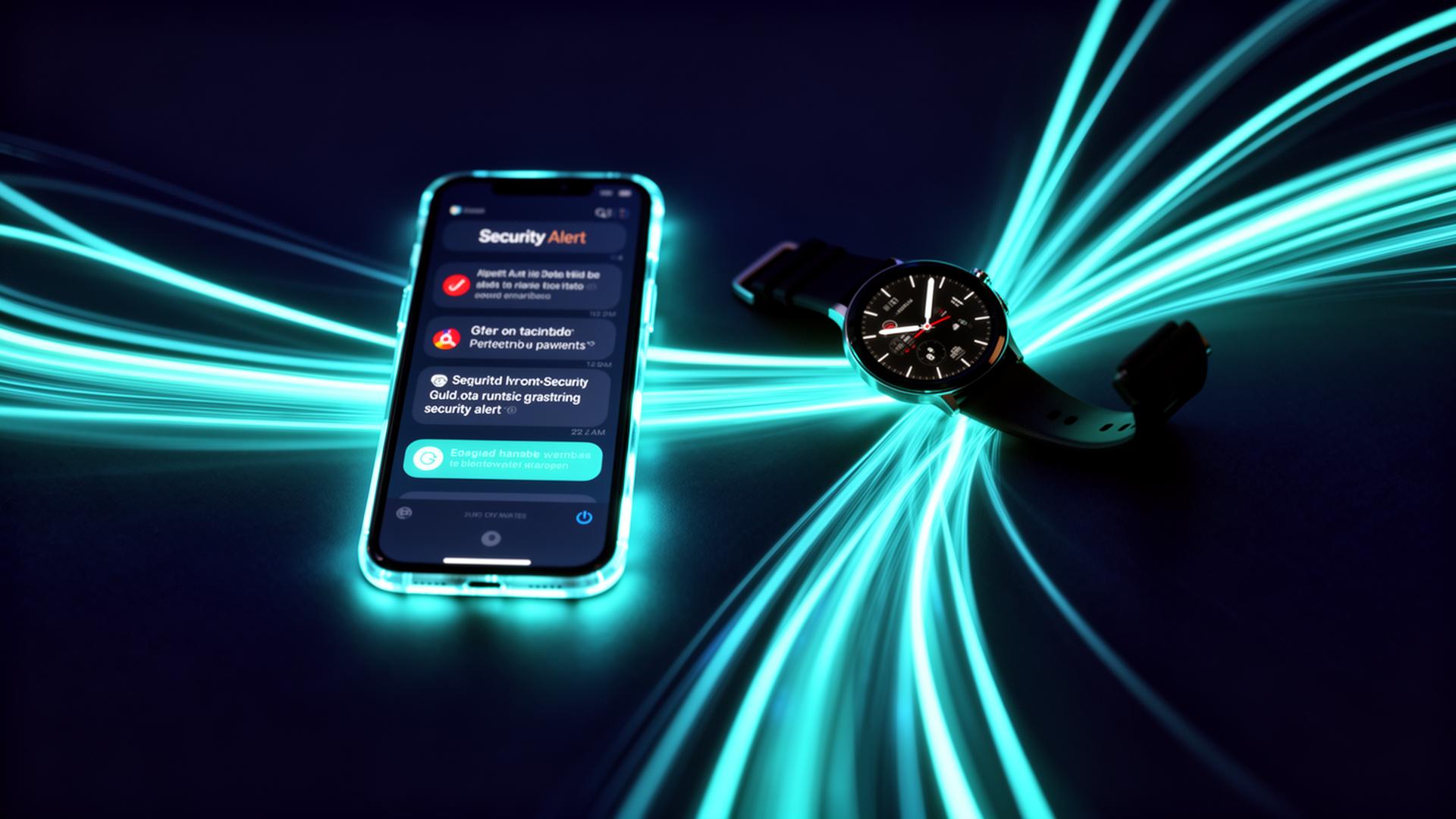
Real-Time Security Alerts
This page describes a concept for a multi-channel alert system intended to ensure critical security events reach the right people through the right channels quickly.
Illustrative mockup only — not a live alert.
Proposed Alert Delivery Channels
A concept for reaching users through the right channel, as designed.
Push Notifications
The concept envisions mobile alerts via iOS and Android with a live camera preview thumbnail.
Email Alerts
Proposed email reports with event context, camera snapshots, and recommended actions.
SMS Alerts
As designed, critical-only text messages would flag the most urgent security events.
In-App Notifications
A full event timeline in a dashboard concept with one-click investigation tools.
Smart Alert Filtering (Concept)
Not every event should warrant a middle-of-the-night notification. The concept describes AI-powered filtering intended to reduce notification fatigue.
Real-Time Alerts — FAQs
How would real-time security alerts work?
The concept describes near-instant alerts from event detection to notification delivery, with local (edge) processing intended to avoid delays from cloud round-trips. No live system exists to measure actual speed.
Which alert channels does the concept describe?
The idea covers push notifications (iOS and Android), email alerts with camera snapshots, SMS for critical-only events, and in-app notifications with a full event timeline — with configurable routing by alert type.
Could alerts be customized?
As envisioned, smart alert filtering would let a user set priority-based escalation rules, time-of-day sensitivity, per-zone thresholds, and snooze or dismiss options.
Would this reduce false alarms?
The concept aims to reduce false alarms compared to simple motion-based systems by using contextual behavioral analysis. Since no system has been built or deployed, no measured false-alarm rate exists.
Could multiple people receive the same alerts?
As designed, alert routing could notify multiple users — family members, staff, or emergency contacts — based on event type, severity, and time of day.